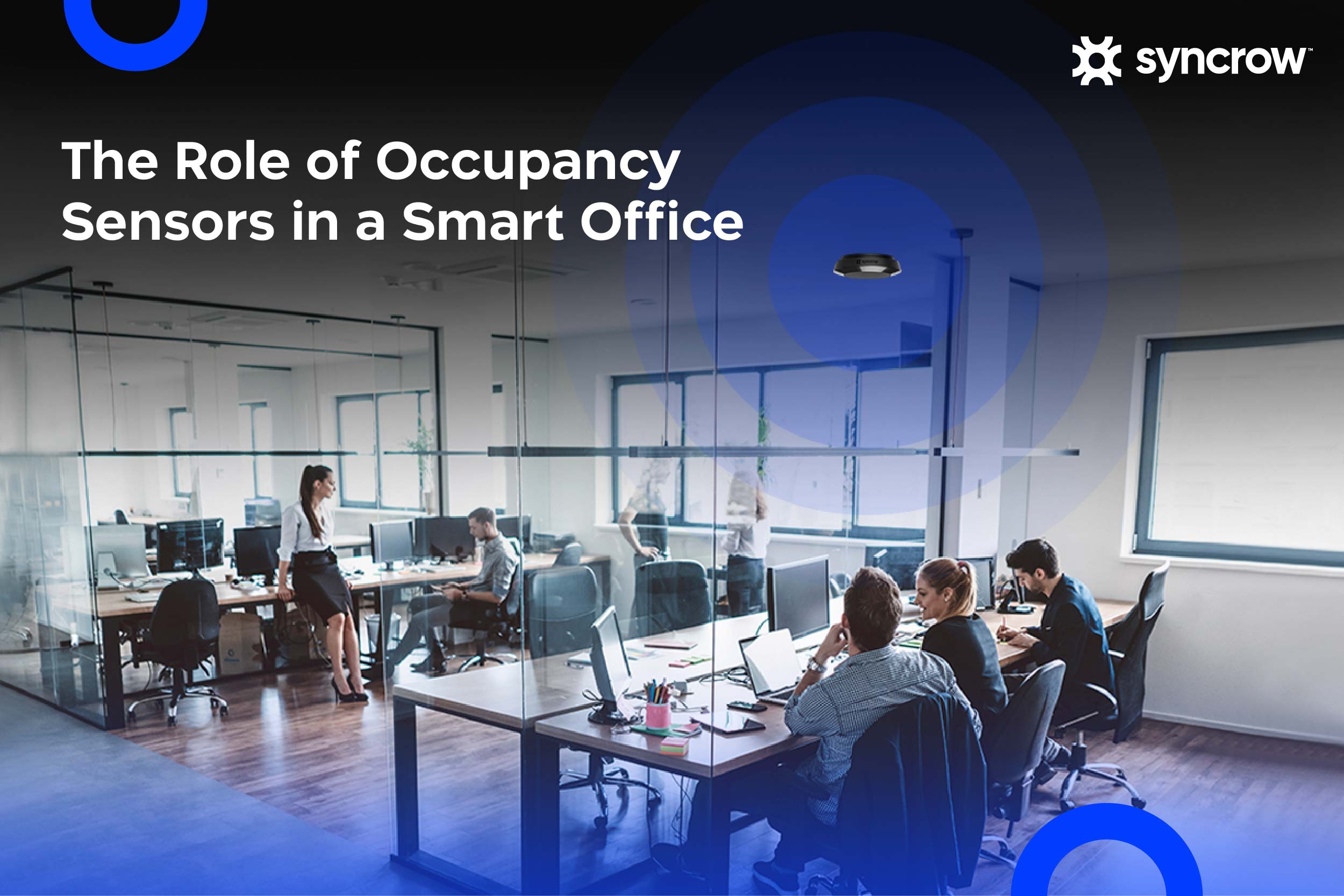
Modern organizations in the UAE are rethinking how their offices operate. Hybrid work, flexible seating, and rising operational costs have made it essential for companies to understand how their spaces are actually used. Instead of relying on assumptions, businesses now depend on data-driven tools that provide real insights into workplace activity. One of the most effective technologies helping organizations achieve this is occupancy sensors for offices.
An office occupancy sensor allows companies to automatically detect whether a space is being used or not. When integrated with lighting, building management systems, and booking systems, these sensors can significantly improve operational efficiency. Workplace occupancy sensor systems provide the visibility organizations need to manage modern workplaces effectively. In this blog, we will guide you through the best ways to implement occupancy sensors for offices in your space.
What is an Occupancy Sensor?
An occupancy sensor is a smart device that detects whether people are present within a specific area. These sensors are widely used in offices to control lighting, automate building systems, and monitor how spaces are utilized throughout the workday. When a person enters a room or sits at a desk, the sensor can detect motion or changes in heat patterns and trigger automated responses.
In office environments, the primary goal of an occupancy sensor is not only to turn lights on or off but also to collect valuable insight about how different areas are used. By analyzing occupancy detection data, companies can monitor patterns of workspace activity and redesign layouts to support employees better. These insights allow organizations to improve their overall workplace experience while ensuring resources are used efficiently.
Occupancy Sensors for Offices: Key Benefits
Organizations install occupancy sensors for offices for many reasons, ranging from reducing energy costs to improving workplace planning. As companies shift toward hybrid work environments, these systems are becoming essential tools for understanding how space is used. Here are some of the benefits of office occupancy sensors:
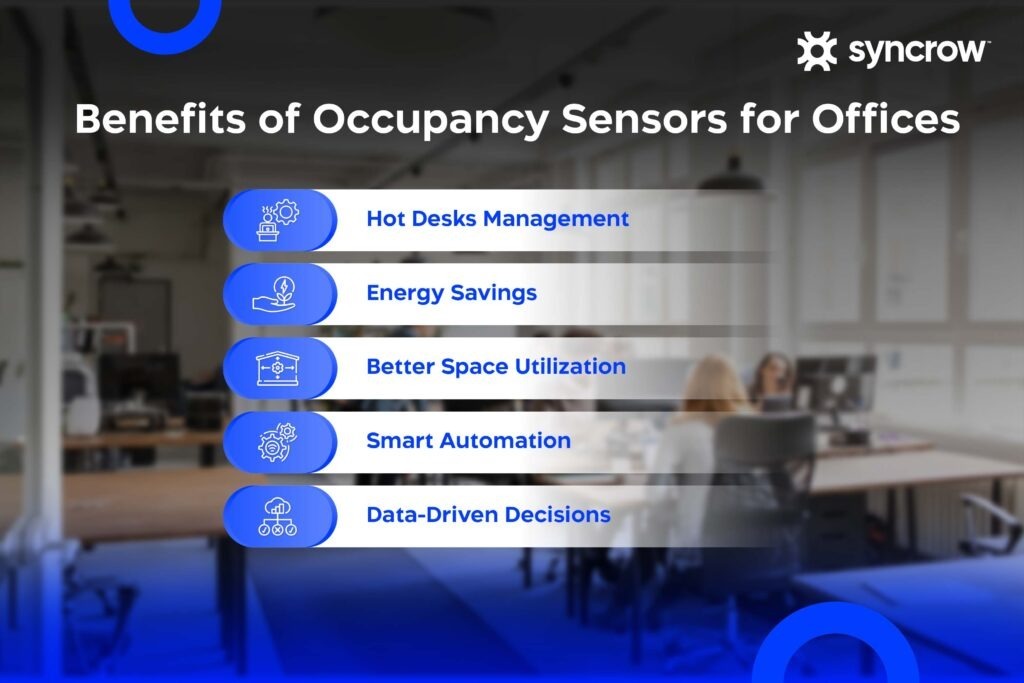
Hot Desks Management
One of the most common applications of an office desk occupancy sensor is managing hot desks. Many organizations no longer assign permanent desks to employees. Instead, workers reserve available desks when they come into the office. Without accurate monitoring, desks can remain reserved even when they are not being used.
An office desk occupancy sensor solves this problem by detecting when a desk is occupied. If a reserved desk remains unused for a certain period, the system can automatically release it back into the desk booking system. This ensures employees always have access to available workstations while helping companies reduce wasted space.
Energy Savings
Energy efficiency is another major advantage of deploying an office occupancy sensor. Lighting and climate systems often remain active even when rooms are empty, leading to unnecessary energy consumption. A ceiling motion sensor connected to building systems can automatically turn lights on when someone enters a room and turn them off when the room becomes vacant.
This automation helps reduce electricity usage without requiring employees to manually adjust controls. In large office buildings, the cumulative energy savings can be substantial. Many organizations install office building occupancy sensor systems specifically to optimize lighting and HVAC operations.
Improve Space Utilization
Companies sometimes underestimate how much office space goes unused throughout the day. By installing occupancy sensors for offices, organizations can measure how frequently desks, collaboration areas, and meeting rooms are being used.
An office building occupancy sensor collects data that helps businesses identify underutilized areas. These insights allow companies to redesign layouts, adjust desk allocation, or create new collaboration zones where employees need them most. With accurate insights, organizations can use data to optimize workspace planning and improve overall operational efficiency.
Smart Automation
Smart automation is another important benefit of modern workplace occupancy sensor systems. These sensors enable buildings to respond automatically to employee presence. Lighting systems can turn on when someone enters a room, HVAC systems can adjust airflow based on occupancy levels, and meeting room displays can update availability in real time.
A ceiling motion sensor, for instance, can help create a seamless environment where systems react automatically to employee activity. This reduces the need for manual controls while improving comfort and productivity.
Data-Driven Decisions
Beyond automation, smart occupancy sensors for offices generate valuable workplace analytics. Organizations can monitor trends such as peak occupancy hours, frequently used meeting rooms, and employee movement patterns throughout the office.
These insights enable leaders to make informed decisions about workplace design. For example, if occupancy data shows that certain areas are consistently underused, the organization may decide to redesign that space or convert it into a different type of workspace. Over time, this data helps companies refine their workplace strategy and ensure the office environment aligns with employee needs.
Key Applications of Office Occupancy Sensors
Modern office occupancy sensor solutions are used in several different applications throughout the workplace. Each deployment provides a unique perspective on how employees interact with the office environment. Here are the most common applications for occupancy sensors in the workplace:
Ceiling-Mount Sensor
A ceiling motion sensor is one of the most common types of occupancy sensor installations in office buildings. Mounted overhead, these sensors can cover large areas such as open workspaces, hallways, or shared collaboration zones. Because of their position on the ceiling, they can detect motion across a wide field of view, making them ideal for lighting automation and general occupancy monitoring.
Office Desk Occupancy Sensor
An office desk occupancy sensor is specifically designed to track whether a desk is currently being used. These sensors are typically installed under desks or integrated directly into desk surfaces. When someone sits at the workstation, the sensor registers occupancy and updates the desk’s availability status.
In hybrid offices, desk sensors help organizations manage flexible seating arrangements more effectively. They ensure desk reservations reflect actual occupancy and help employees find available workspaces quickly.
Meeting Room Sensor
Meeting rooms are frequently booked but not always used. A workplace occupancy sensor installed in a meeting room can detect whether people actually arrive for the meeting. If the room remains empty, the system can release the reservation automatically.
This improves meeting room booking efficiency and prevents valuable conference spaces from being blocked unnecessarily. Over time, meeting room occupancy data can also help organizations determine whether they need more or fewer collaboration spaces.
People Counter
People counters are another form of office building occupancy sensor technology. These systems track how many individuals enter or exit a specific area. Facility teams use this information to monitor building capacity and better understand how employees move through the office. By analyzing these patterns, organizations can improve the layout of the workspace and ensure areas are designed to support employee activity.
Types of Occupancy Sensors for Office Buildings
Several types of sensing technology are used in modern occupancy sensors for offices. Each method offers different advantages depending on the environment and use case.
Motion Sensors
Motion-based systems are among the most widely used sensor types. A PIR sensor (passive infrared) detects heat changes caused by human movement. When someone enters a room, the PIR technology recognizes the temperature difference between the person and the surrounding environment. This allows the system to trigger automated actions such as activating lighting.
CO2 Occupancy Sensors
CO2 sensors estimate occupancy by measuring carbon dioxide levels in the air. When more people occupy a room, the CO2 concentration rises. While this method does not directly detect presence, it still provides useful indicators of how crowded a space might be.
Pressure-Based Occupancy Sensors
Pressure-based sensors detect weight or force applied to surfaces. In an office setting, these sensors are often used in desk monitoring solutions. An office desk occupancy sensor using pressure detection can identify when someone sits down or leaves the workstation, providing reliable occupancy data.
Camera-Based Occupancy Sensors
Camera-based sensors use computer vision to count the number of people within a space. These systems can provide detailed occupancy analytics for large areas. However, some organizations prefer alternative technologies such as PIR or ultrasonic sensing to address privacy concerns.
How Much Can You Save by Installing Occupancy Sensor Lighting Controls?
Energy savings are one of the most measurable benefits of installing occupancy sensors for offices. Lighting systems frequently remain on in empty rooms, especially in large office buildings where employees forget to turn lights off. Automated sensor-based lighting control ensures that lights only operate when spaces are actually occupied.
According to the U.S. Department of Energy, installing occupancy sensor lighting controls can significantly reduce electricity usage across various building areas. When the sensor detects that a room is vacant, lighting systems automatically shut down, eliminating unnecessary energy consumption.
| Room Type | Occupancy Sensor Lighting Energy Savings |
| Breakroom | 29% |
| Classroom | 40–46% |
| Conference Room | 45% |
| Corridor | 30–80% |
| Office, Private | 15–50% |
| Office, Open | 10% |
| Restroom | 30–90% |
| Storage Area | 45–80% |
| Warehouse | 35–54% |
What to Look for in an Occupancy Sensor for an Office
Selecting the best office occupancy sensors requires evaluating several factors that influence performance, reliability, and scalability.
Wired vs Wireless Office Occupancy Sensors
Traditional wired sensors are reliable but require more extensive installation. Wireless sensors are increasingly popular because they are easier to deploy across existing offices without major infrastructure changes. Many modern wireless systems also support IoT platforms, enabling organizations to integrate occupancy data into smart workplace platforms.
Accuracy
The effectiveness of an office occupancy sensor largely depends on its accuracy. Sensors that combine multiple detection technologies generally perform better than single-method devices. For example, combining PIR sensors with ultrasonic sensors allows the system to detect both movement and subtle activity, improving overall reliability.
Ceiling vs Wall-Mount
Sensor placement can significantly influence performance. A ceiling motion sensor typically provides wider coverage and works well in open areas or meeting rooms. Wall-mounted sensors may be more suitable for hallways or smaller offices.
IoT Integrations
Many modern workplace occupancy sensor systems integrate with smart building systems and workplace management software. These integrations allow occupancy data to interact with lighting systems, desk booking tools, and building automation platforms. When integrated properly, the sensor network helps create a responsive office environment that adapts to employee activity.
Occupancy Sensor vs Motion Sensor
Although the terms are often used interchangeably, they refer to slightly different technologies. A motion sensor primarily detects movement within a specific area. If someone walks into the room, the system triggers an action such as turning on the lighting.
An occupancy sensor, however, is designed to determine whether a space remains occupied even when people are relatively still. Advanced sensors combine motion detection with other sensing technologies to maintain awareness of room status.
Vacancy Sensor vs Occupancy Sensor
A vacancy sensor and an occupancy sensor serve similar purposes but operate differently. A vacancy sensor requires a person to manually turn the lights on when entering a room. Once the room becomes empty, the sensor automatically turns the lights off.
An occupancy sensor, on the other hand, automates both actions. It turns lighting on when someone enters the room and turns it off when the space becomes vacant. Because of this automation, occupancy sensors are often preferred in office environments.
Who Offers the Best Occupancy Sensors for Offices?
Several technology providers offer advanced occupancy sensors for offices, particularly companies that focus on smart workplace management and building analytics platforms. The most effective solutions typically combine sensor hardware with software platforms that analyze occupancy data and integrate with systems such as desk booking, meeting room management, lighting controls, and building management systems. This type of integration allows organizations to monitor how office spaces are actually used and generate insights that help improve space planning and workplace efficiency.
Solution providers like Syncrow offer systems that integrate office occupancy sensor data with workplace analytics and smart office tools. By connecting sensor data with dashboards and workplace systems, organizations can track desk usage, understand meeting room demand, and make more informed decisions about office layout and resource allocation while improving the overall workplace experience.
Conclusion
Modern offices require smarter ways to manage space, energy, and employee experience. Occupancy sensors for offices provide organizations with the tools needed to understand how their workplaces function in real time. From office desk occupancy sensor solutions that support flexible seating to building-wide office building occupancy sensor systems that improve energy efficiency, these technologies play a critical role in modern workplace management.
With accurate occupancy data, companies can reduce wasted space, automate building systems, and create environments that better support employee productivity. Solutions like those offered by Syncrow demonstrate how integrated sensor technology and analytics can transform offices into more efficient and responsive spaces. Contact us today for a free consultation on how to make your office smarter with occupancy sensors.
FAQs
Who offers the best occupancy sensors for offices?
Several providers develop advanced occupancy sensors for offices, but companies like Syncrow offer comprehensive smart office solutions that combine sensor technology with workplace analytics and IoT connectivity.
What’s the difference between vacancy sensors and occupancy sensors?
A vacancy sensor requires users to manually turn lights on, and the sensor automatically switches them off when the room becomes empty. An occupancy sensor automatically turns lights on when someone enters and switches them off when the space becomes vacant.
Are occupancy sensors suitable for hybrid workplaces?
Yes. Many organizations use office desk occupancy sensor solutions to support hybrid work models. These sensors help monitor desk usage, improve space allocation, and ensure that flexible workspaces are used efficiently.
Can occupancy sensors improve office energy efficiency?
Yes. By automatically controlling lighting and building systems, occupancy sensors for offices reduce energy consumption and help companies lower operational costs.